All chapters
Chapter 13 of 14
Settings & your garage profile
Set the app up once so every document looks right and works the way you do.
What's in Settings
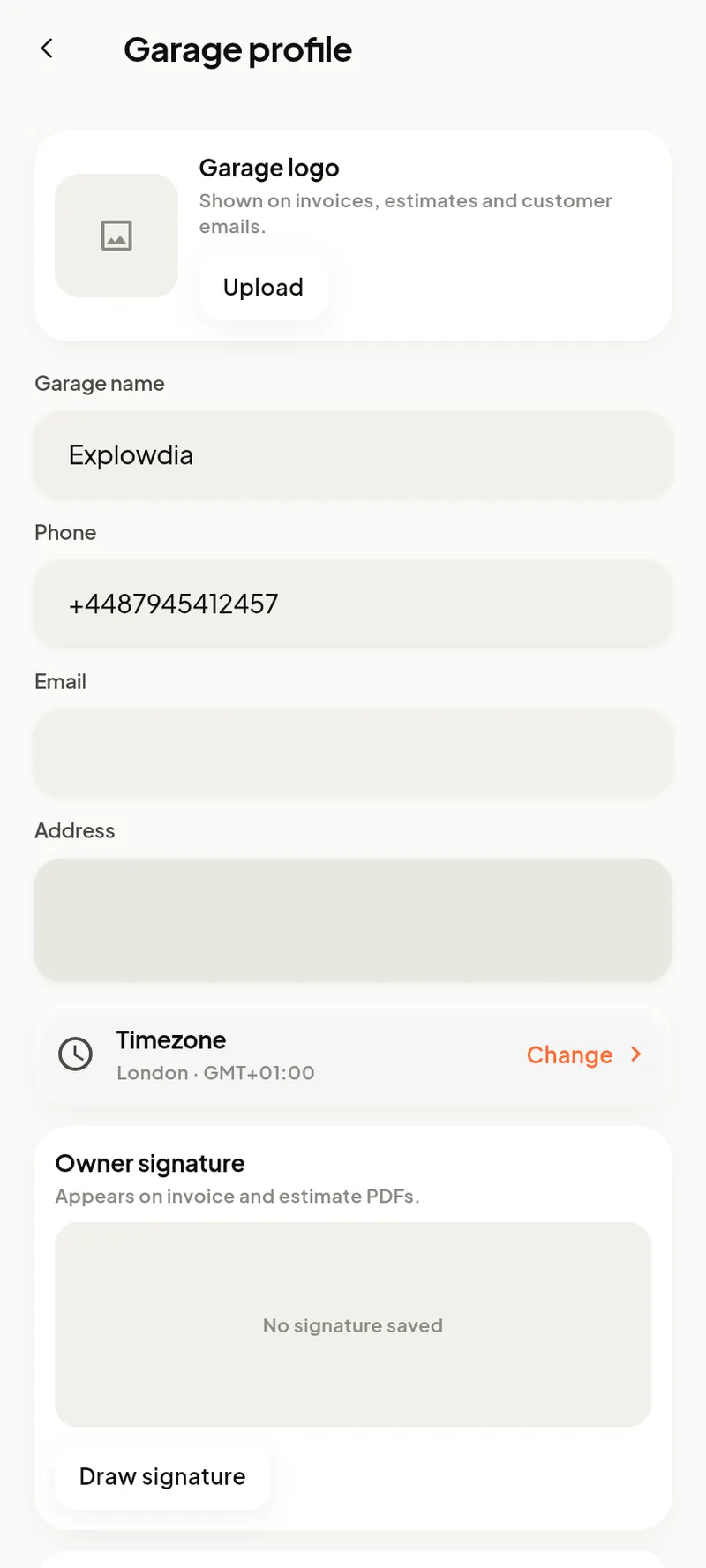
- Garage profile — name, logo, address, signature, timezone; these print on invoices and estimates.
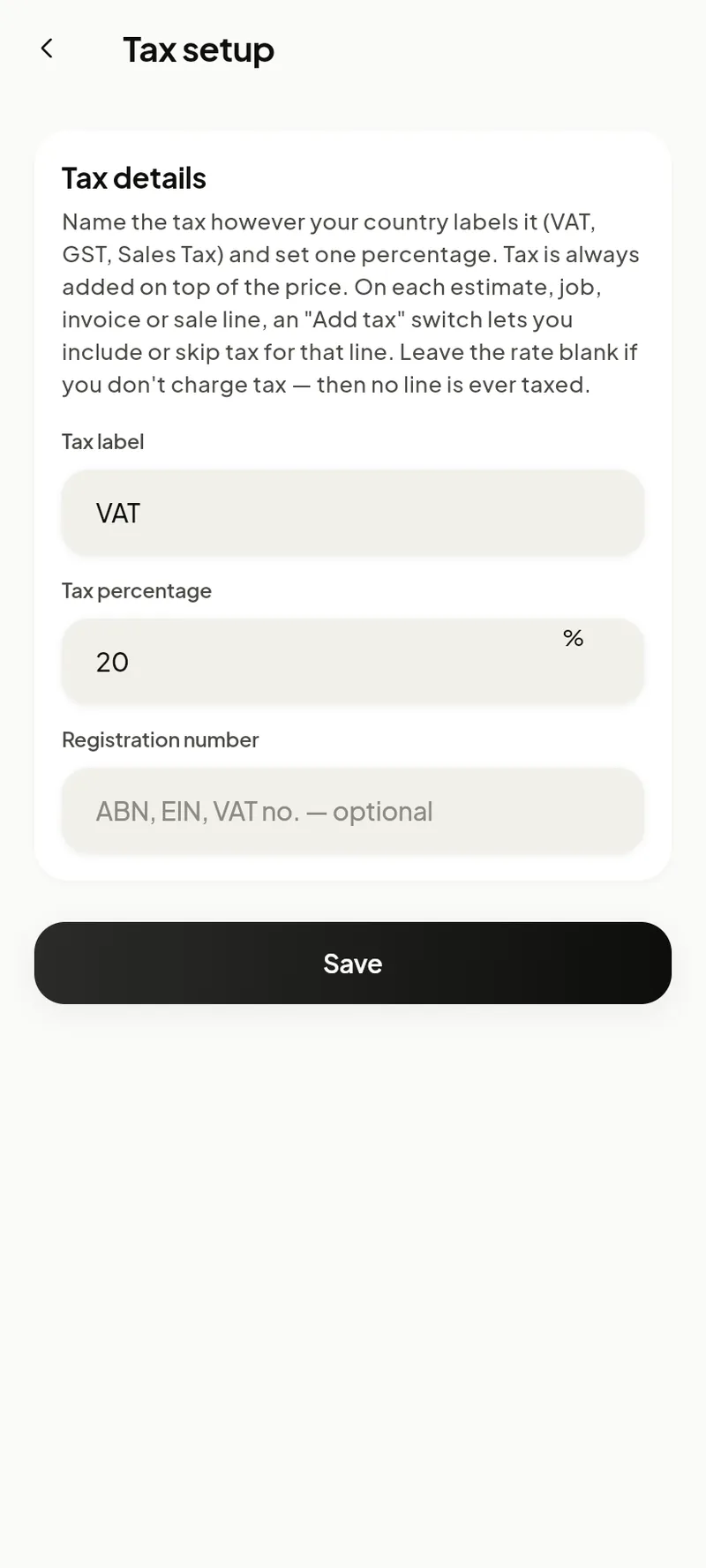
- Tax setup — currency, tax label and rate, hourly labour rate.
- Payments — card payment options for invoices.
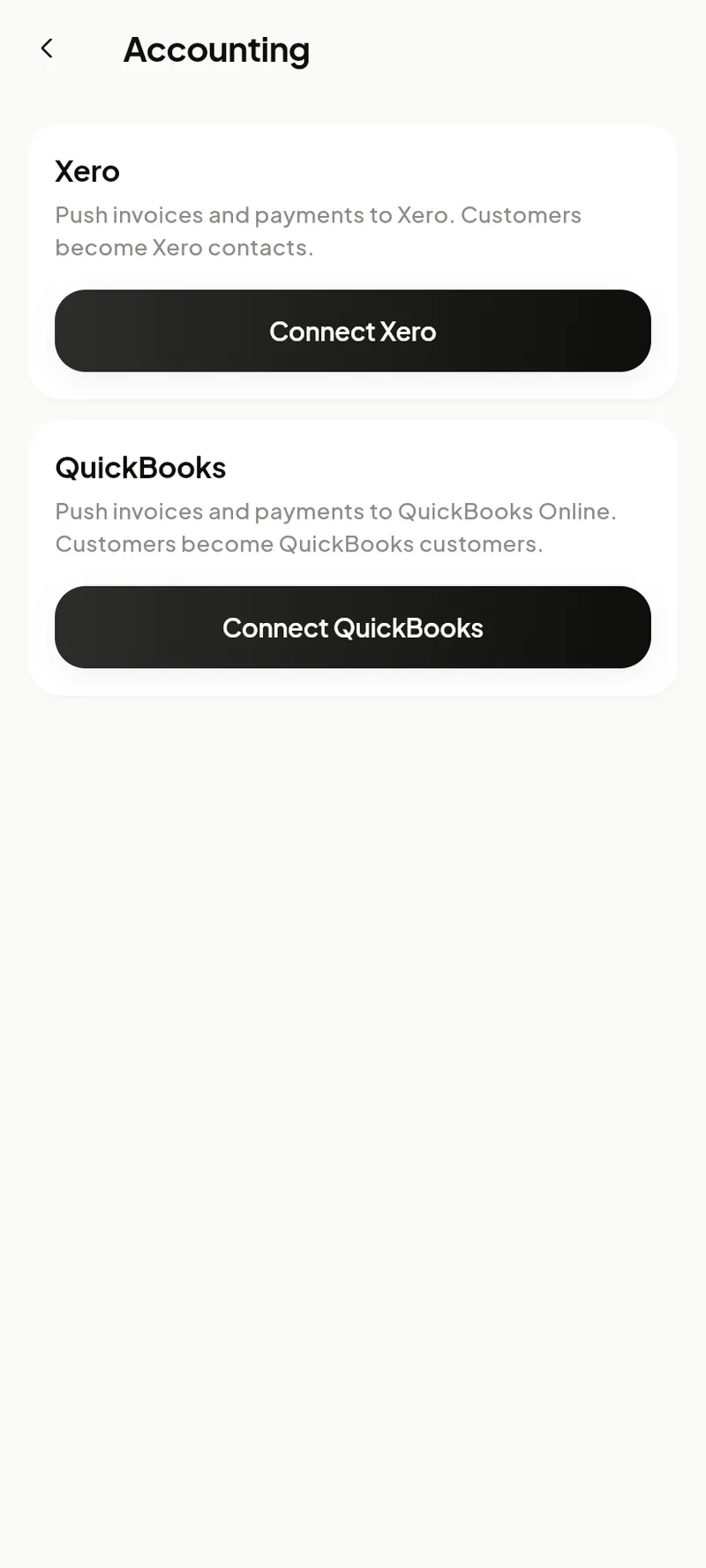
- Accounting — connect Xero or QuickBooks for automatic sync.
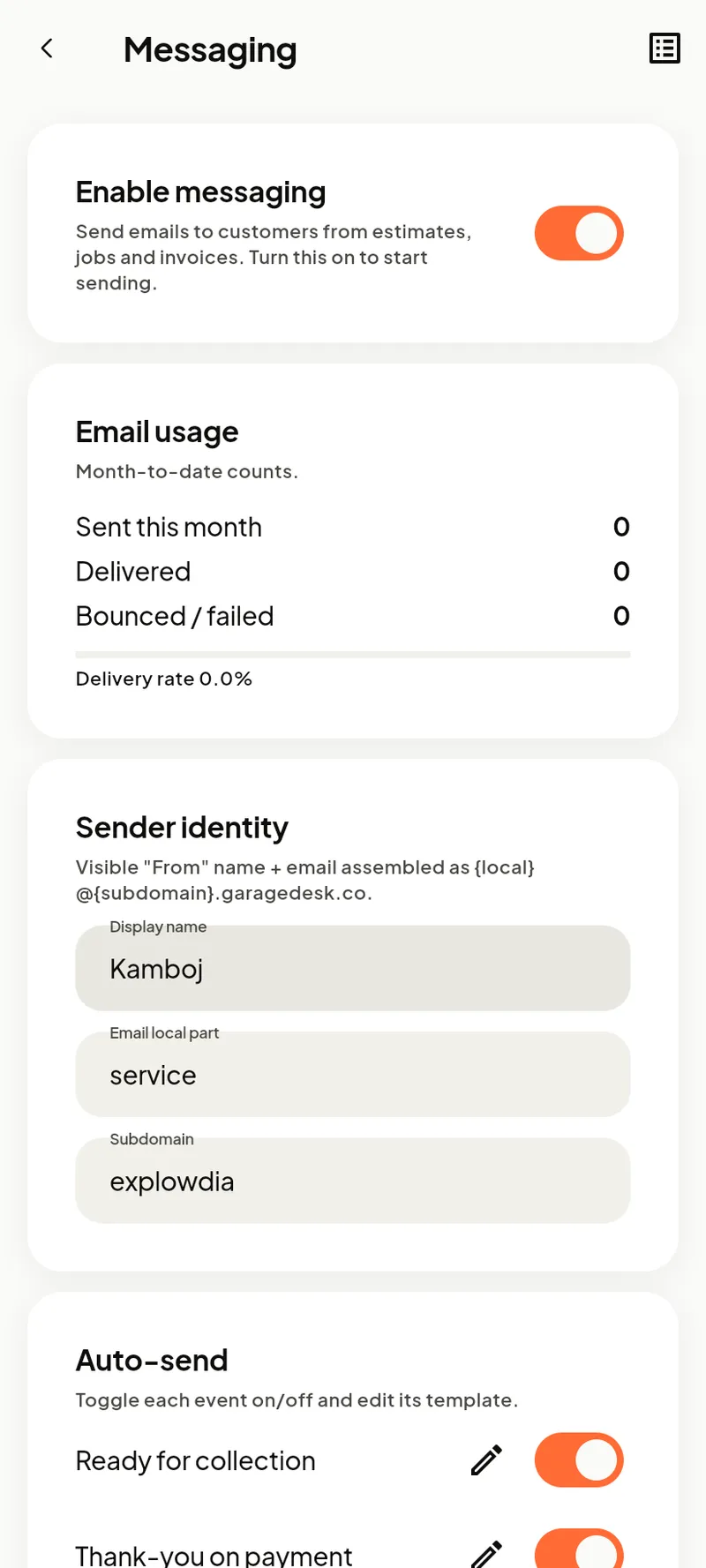
- Messaging — email templates and sending preferences.
- Notifications— choose what you’re alerted about.
- Reminders — default MOT / service reminder behaviour.
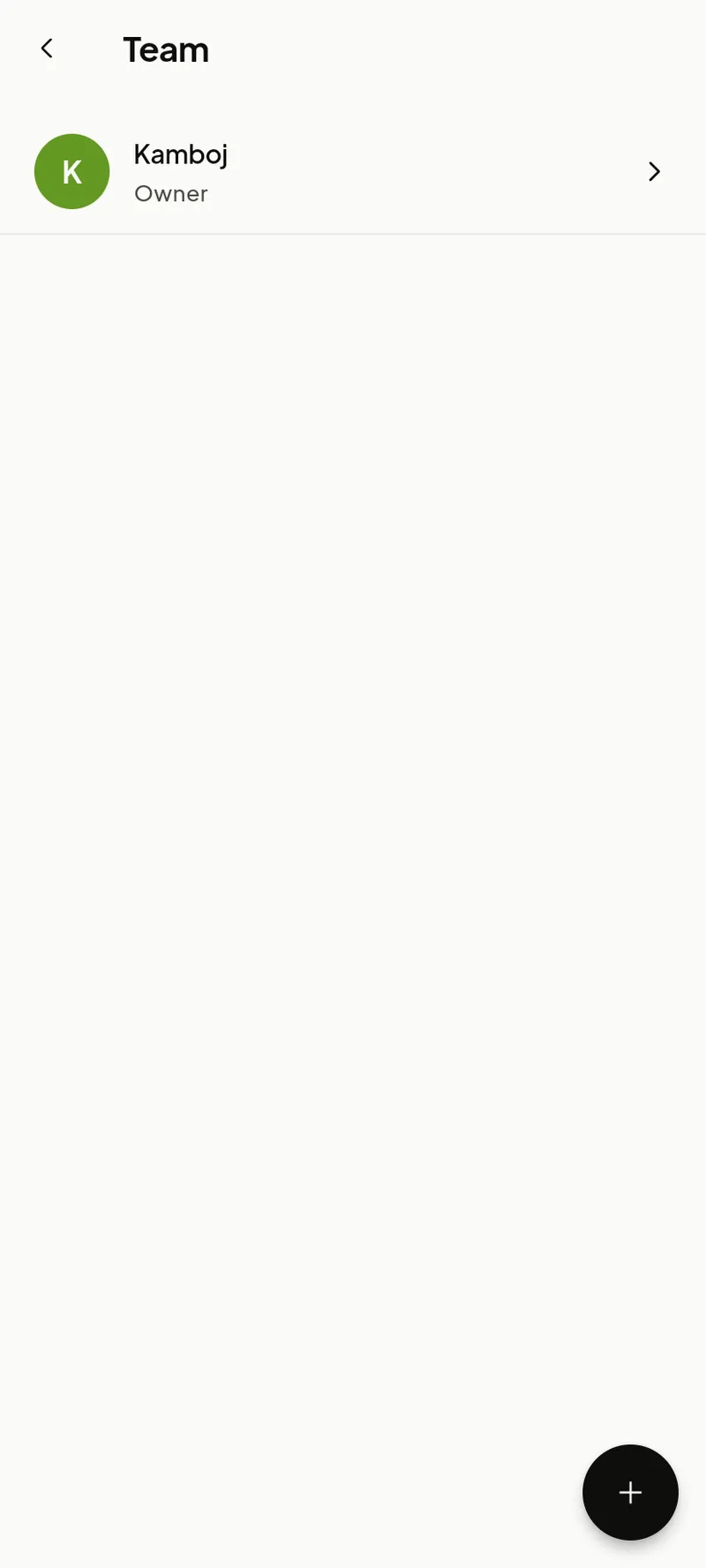
- Team — invite mechanics and set what they can see and do.
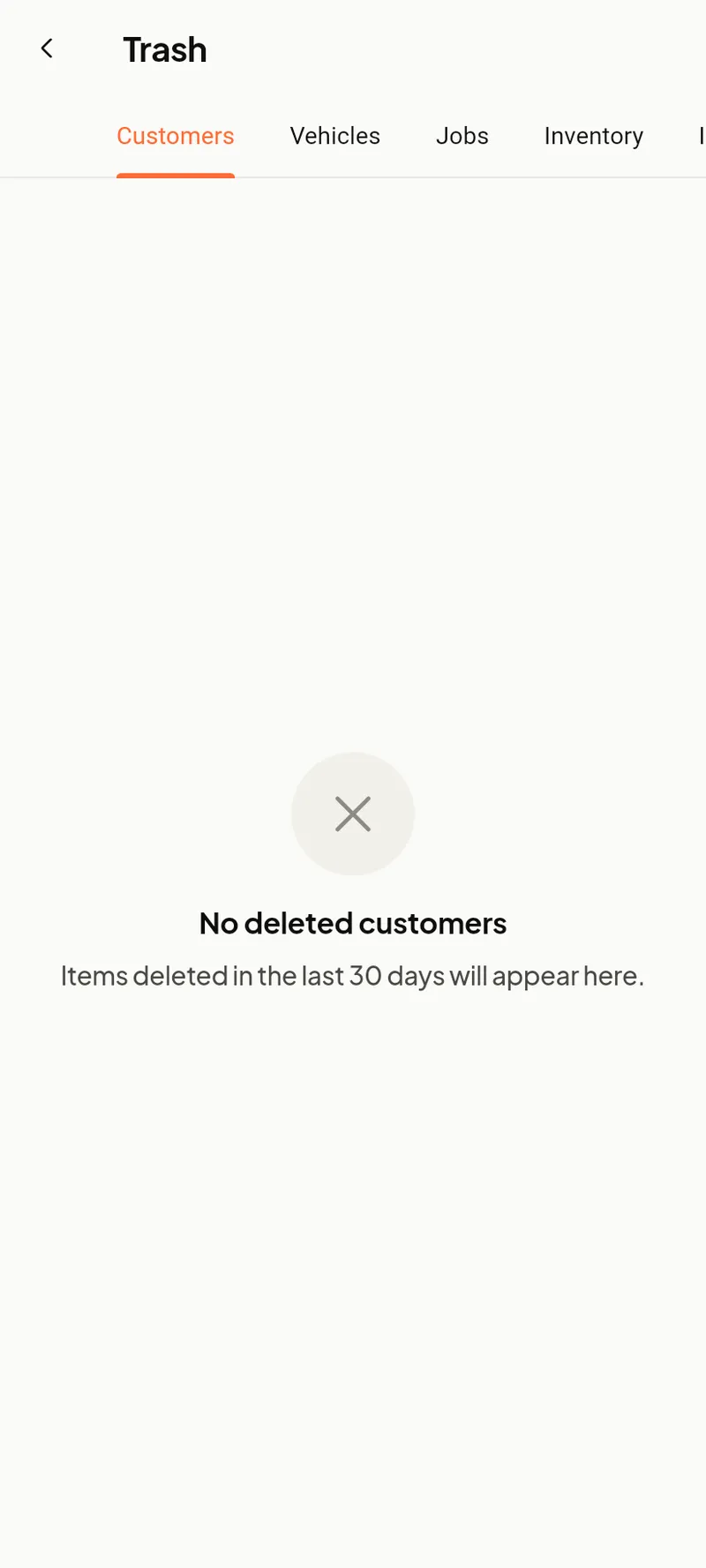
- Trash — restore anything deleted in the last 30 days.
- Export — download your data.
- Account — your login, email and password.
Team & permissions
Invite mechanics from Team. They get the same working app as you, minus owner-only areas (garage profile, tax, team and the revenue figures).
Messaging, trash & data
Messaging holds your email templates and sending preferences. Trash lets you restore anything deleted in the last 30 days, and Export downloads your data as CSV whenever you need it.