All chapters
Chapter 7 of 14
Inventory
Know what's on the shelf and what's running low — and let parts price themselves onto jobs and invoices.
Stock at a glance
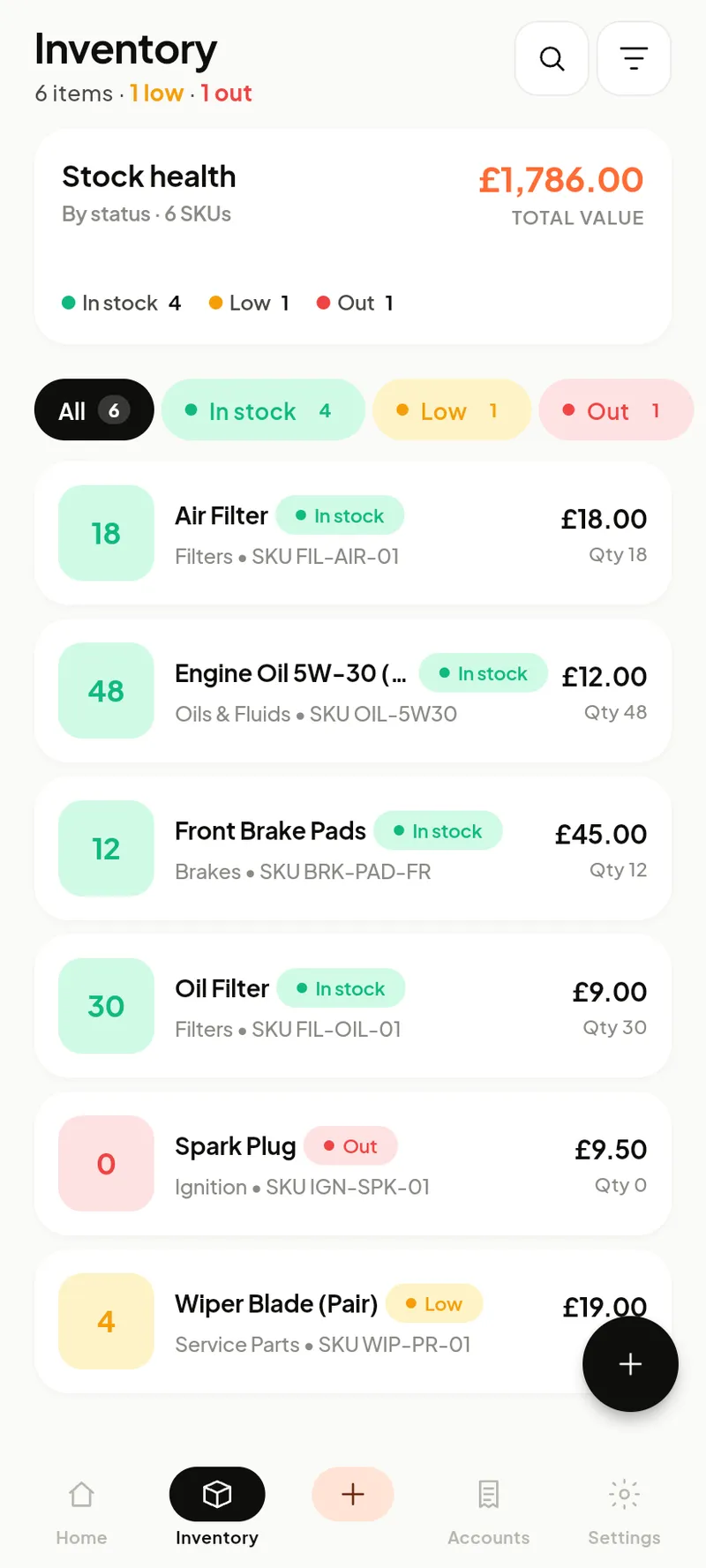
The header shows total stock value and how many items are low or out. Filter by In stock / Low / Out, search by name or SKU, and sort by name, price or quantity. Each row shows quantity, category and price.
Adding & managing items
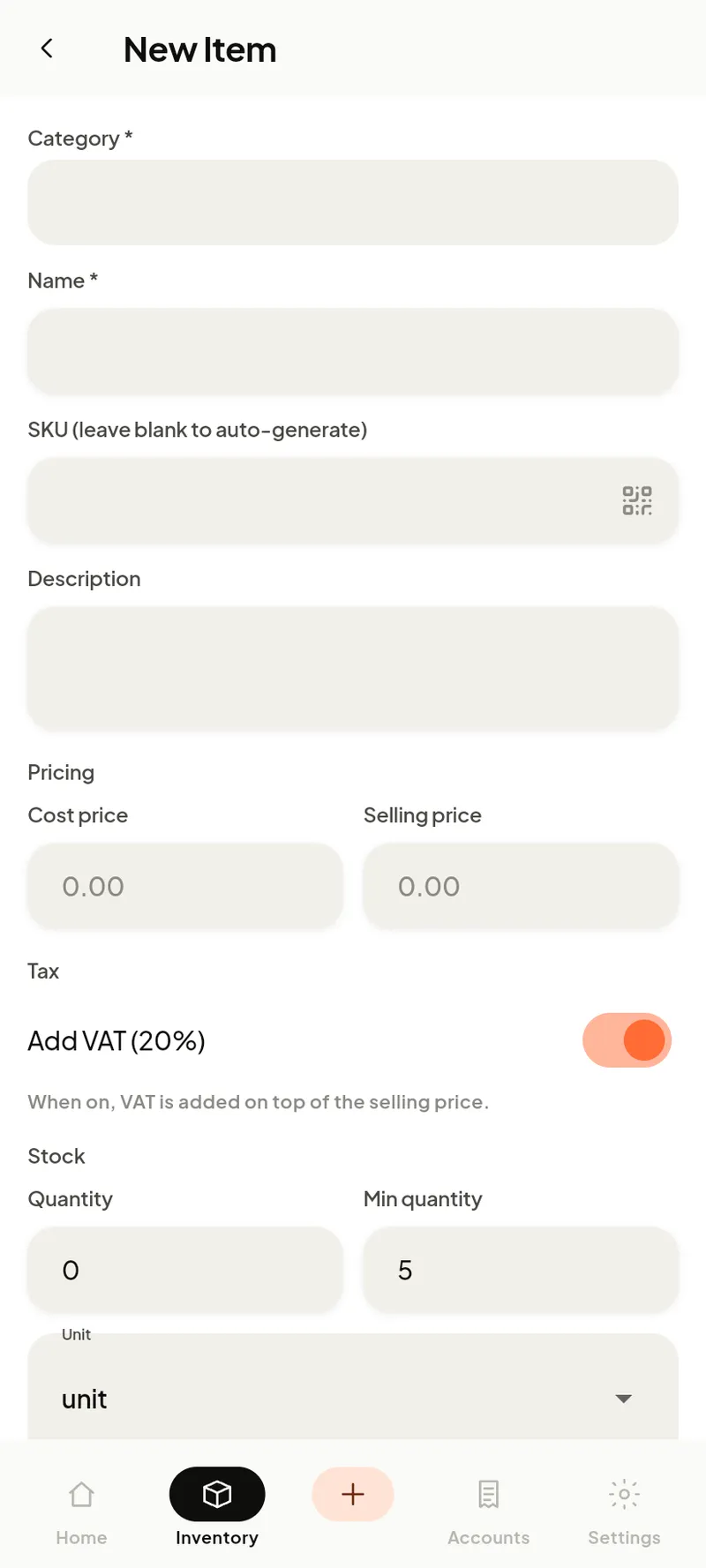
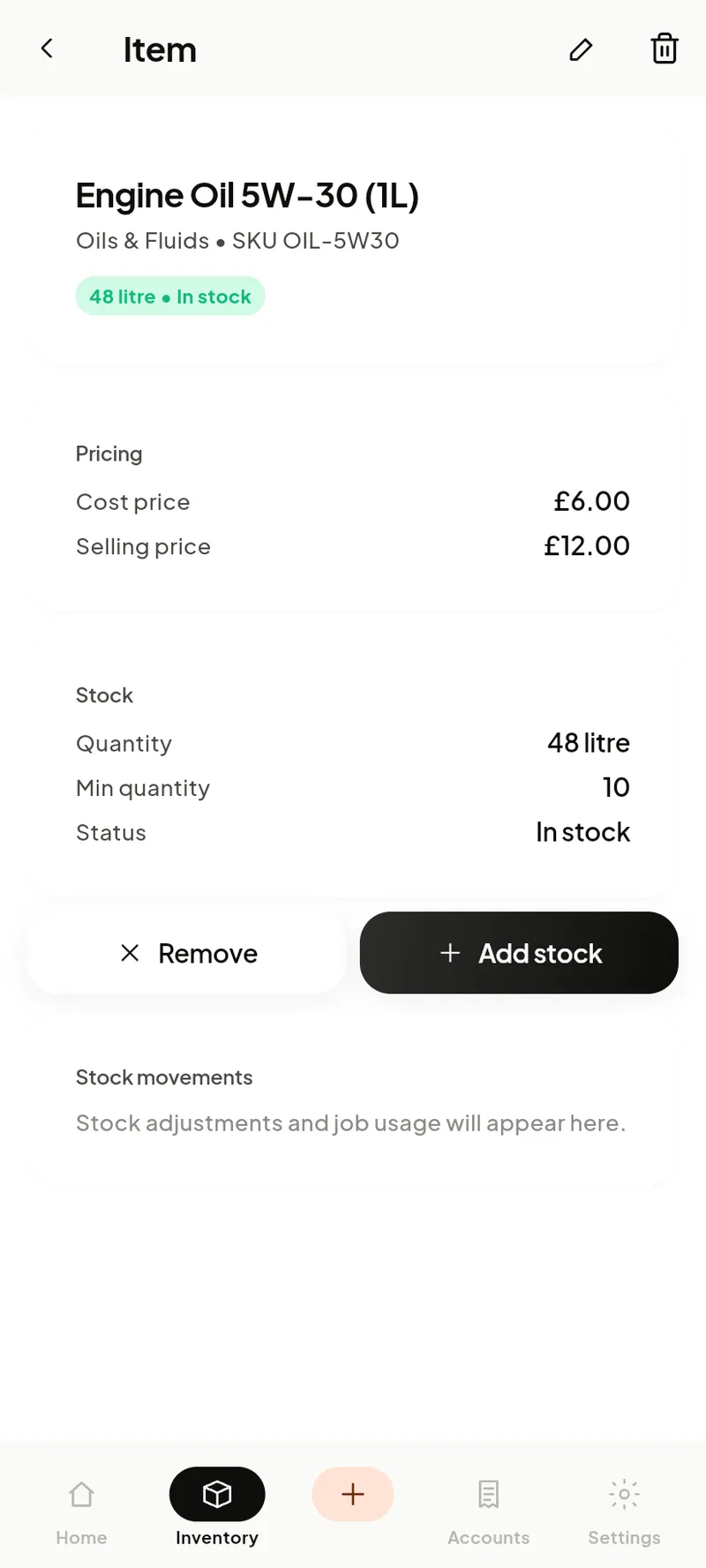
Tap + (or scan a barcode) to add an item: name, category, SKU, cost and selling price, quantity and a low-stock threshold. When stock drops to the threshold it shows as Low; at zero it’s Out.
Stock moves on its own: using a part on a job or a counter sale reduces it; every change is logged so quantity and history never disagree.