All chapters
Chapter 8 of 14
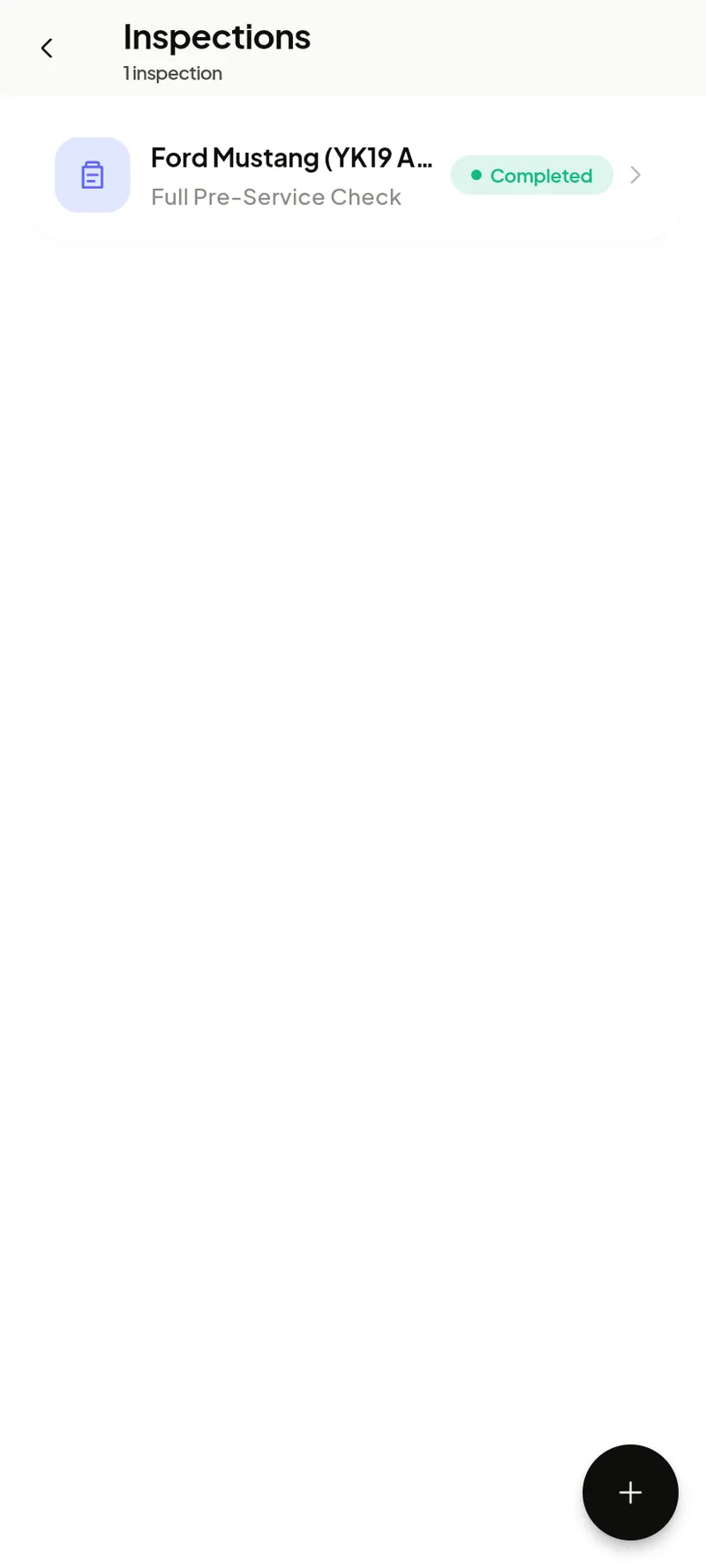
Inspections
Digital vehicle health checks — record findings, photos and a damage diagram, then share with the customer or turn issues into an estimate.
Running an inspection
- Start from Home → Inspection, or from a job.
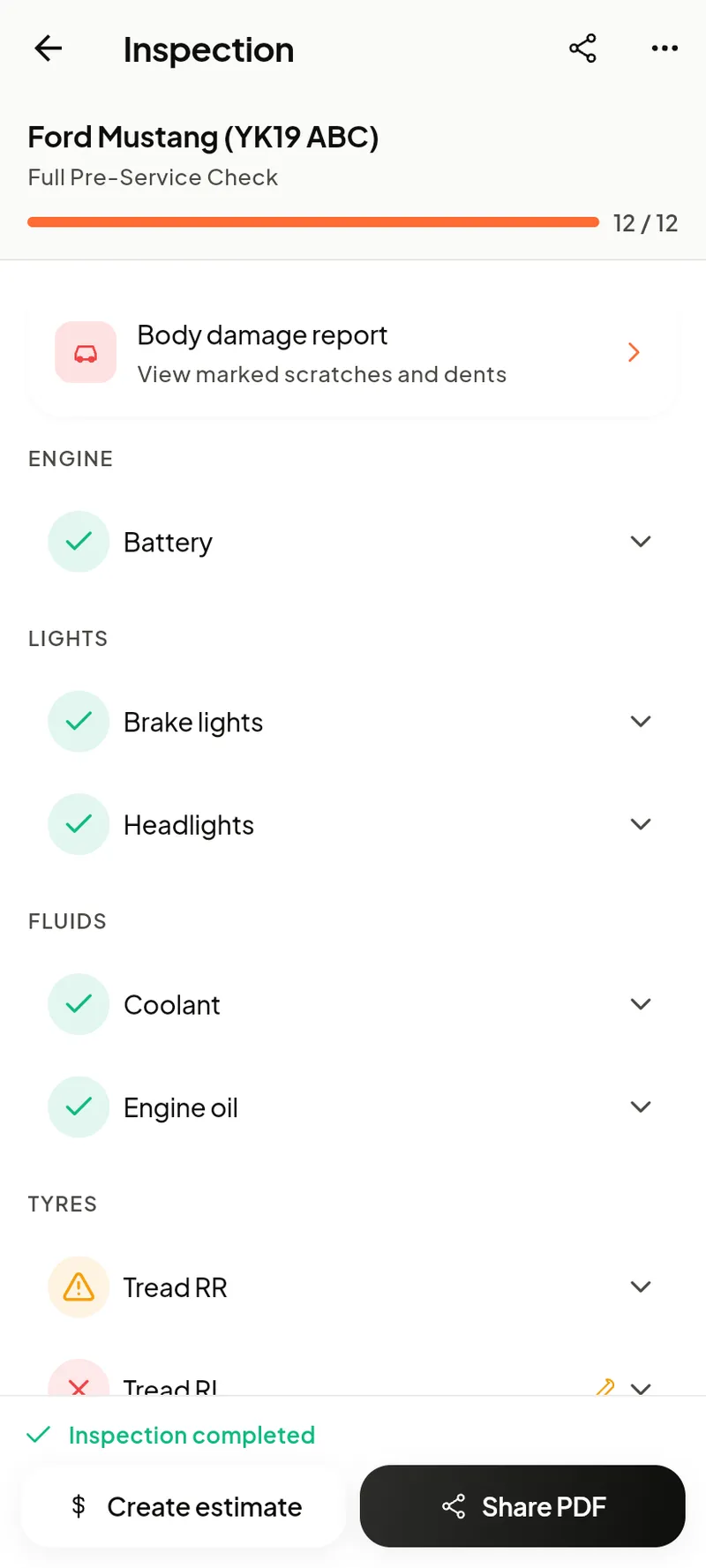
- Work through the checklist, marking each item pass / advisory / fail and adding notes or photos.
- Mark damage on the vehicle diagram.
- Share the report with the customer, or push failed items into an estimate.
Deleted inspections sit in Trash for 30 days like everything else.
Reading the report
Each checkpoint shows a clear status — a green tick for good, an amber triangle for advisory, a red cross for requires attention — grouped by area (brakes, tyres, fluids, lights, engine). The progress bar tracks how much is done, and the body damage report holds marked scratches and dents.
When finished, tap Create estimate to quote the flagged items, or Share PDF to send the report to the customer.