All chapters
Chapter 9 of 14
Online bookings
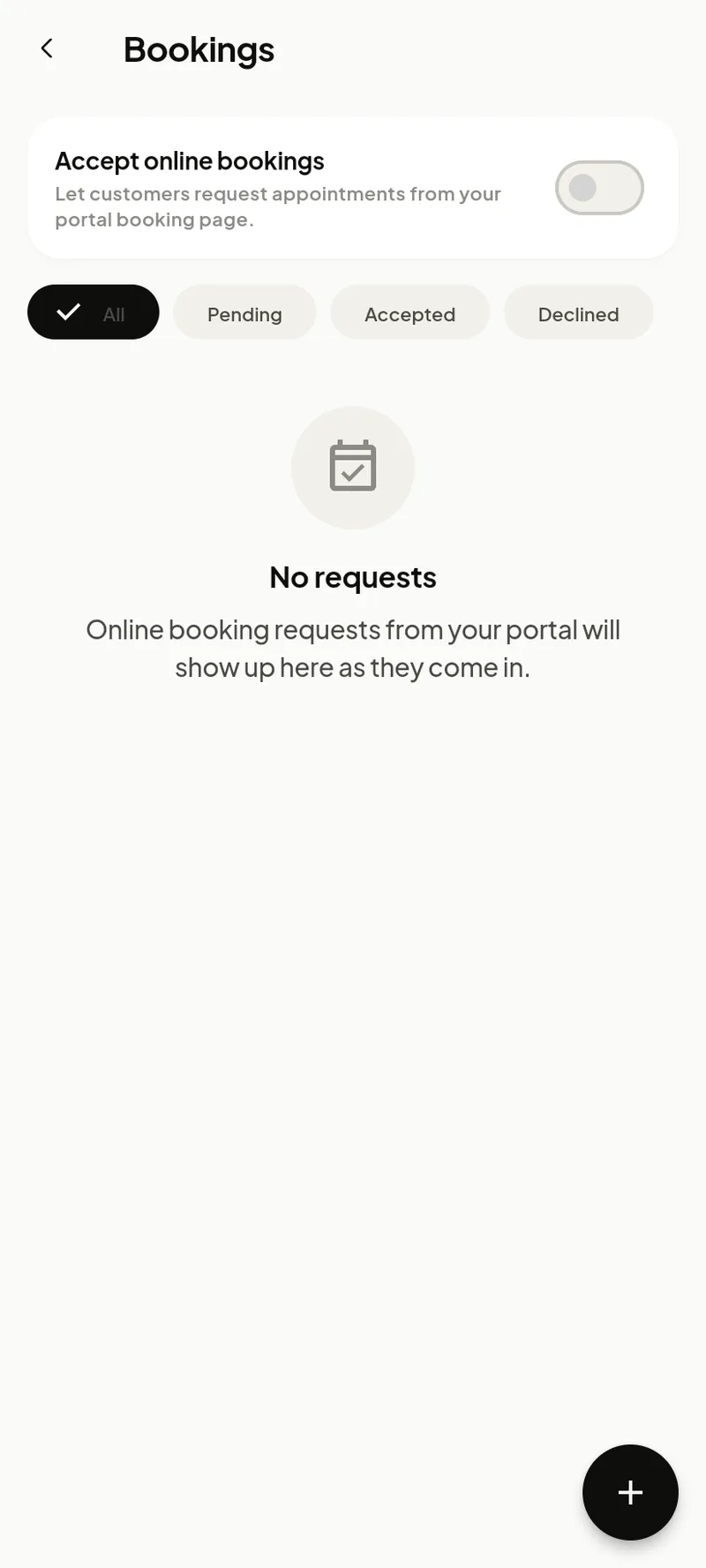
Let customers request a slot online — requests land in one inbox for you to accept or decline.
Managing requests
Share your booking link (app.garagedesk.co/your-garage/book) and requests appear in the inbox. Open one to see the customer, vehicle and requested time, then Accept — which creates a draft job — or Decline. The customer is emailed either way.
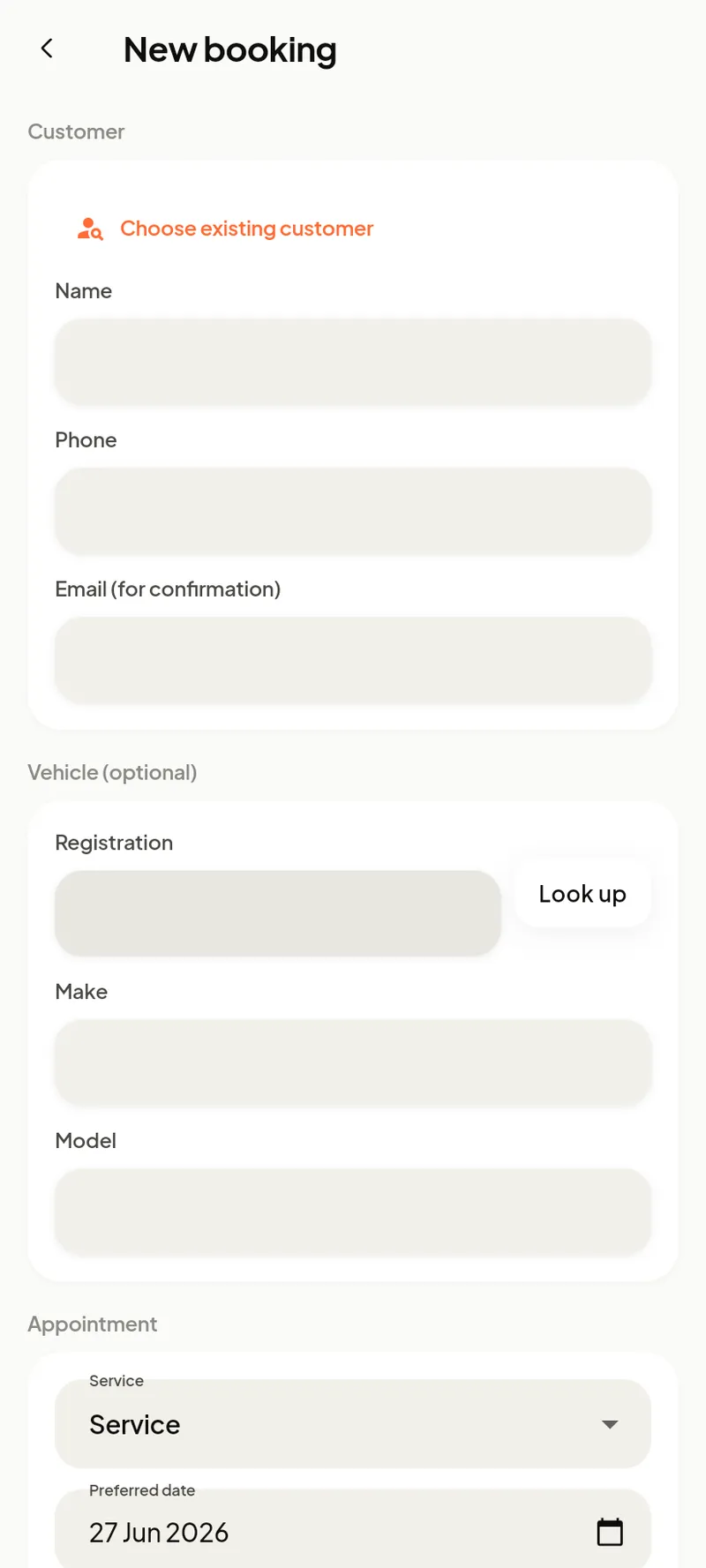
You can also take a booking yourself with the + (phone bookings).