Chapter 4 of 14
Estimates
Quote the work before you start. Send a branded estimate; once the customer approves, turn it into a job or an invoice in one tap — no re-typing.
Working with estimates
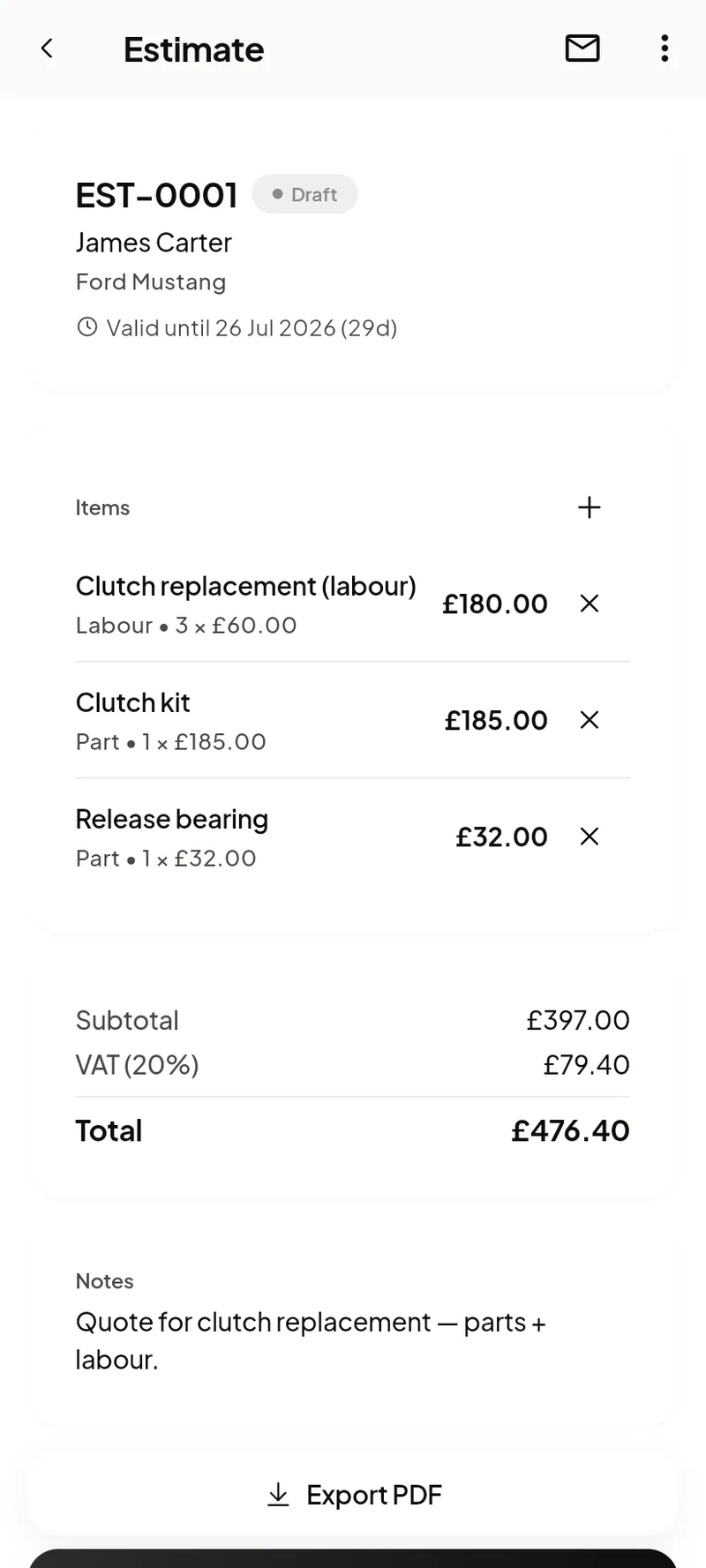
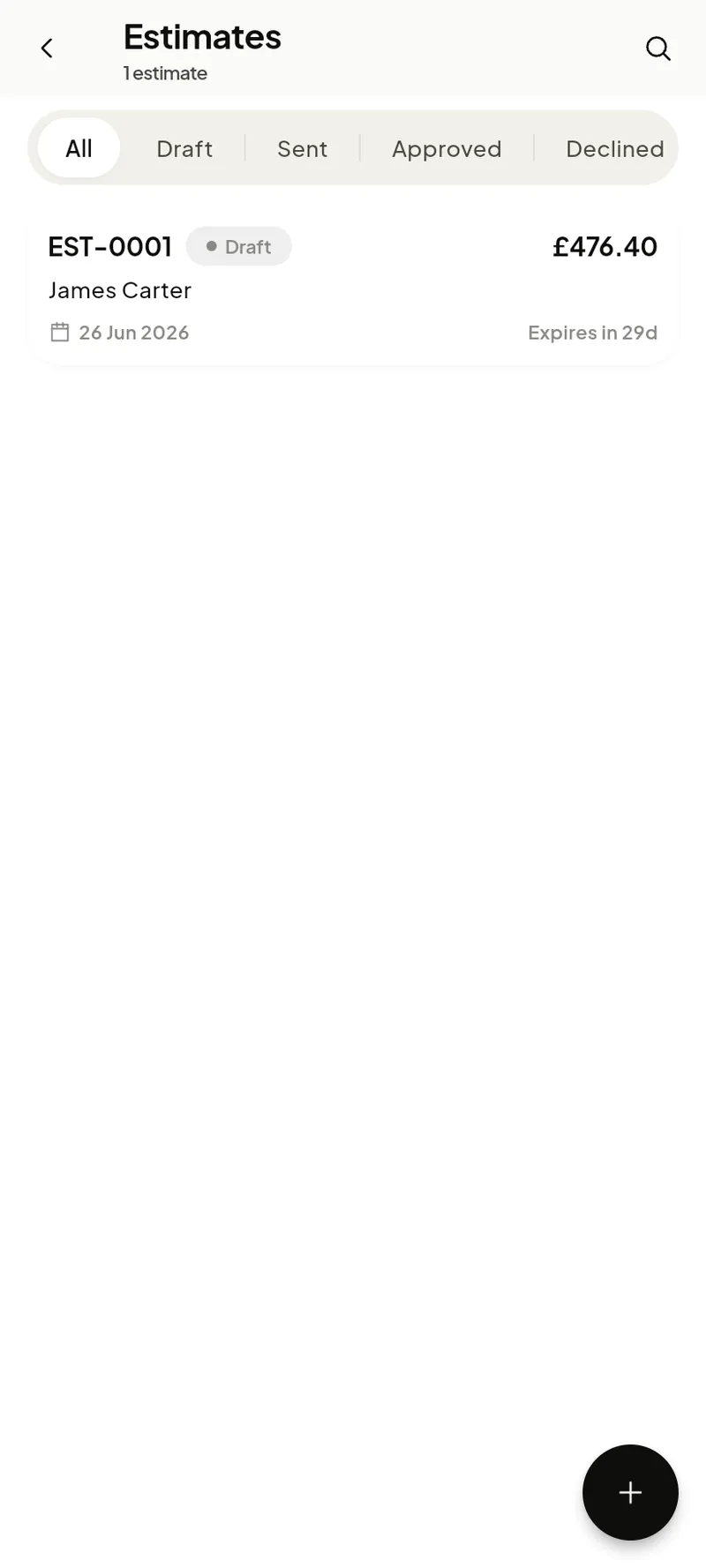
The list shows every estimate with its number (EST-0001), customer and total. Create one from Home → Estimate or the +; the builder works just like a job’s work items — add labour and parts, set tax per line, then share the PDF.
When the customer says yes, open the estimate and choose Convert to spin up a job (to do the work) or an invoice (to bill it) carrying all the same lines.
The estimate
An estimate carries its number, customer, vehicle, line items and totals, and a valid-until date. Its status moves through Draft → Sent → Approved (or Declined). Share the PDF, then convert it when the customer is happy.