All chapters
Chapter 5 of 14
Invoices & payments
Bill the customer, share a branded PDF, and record the money when it lands — so your Accounts always tell the truth.
The invoices list
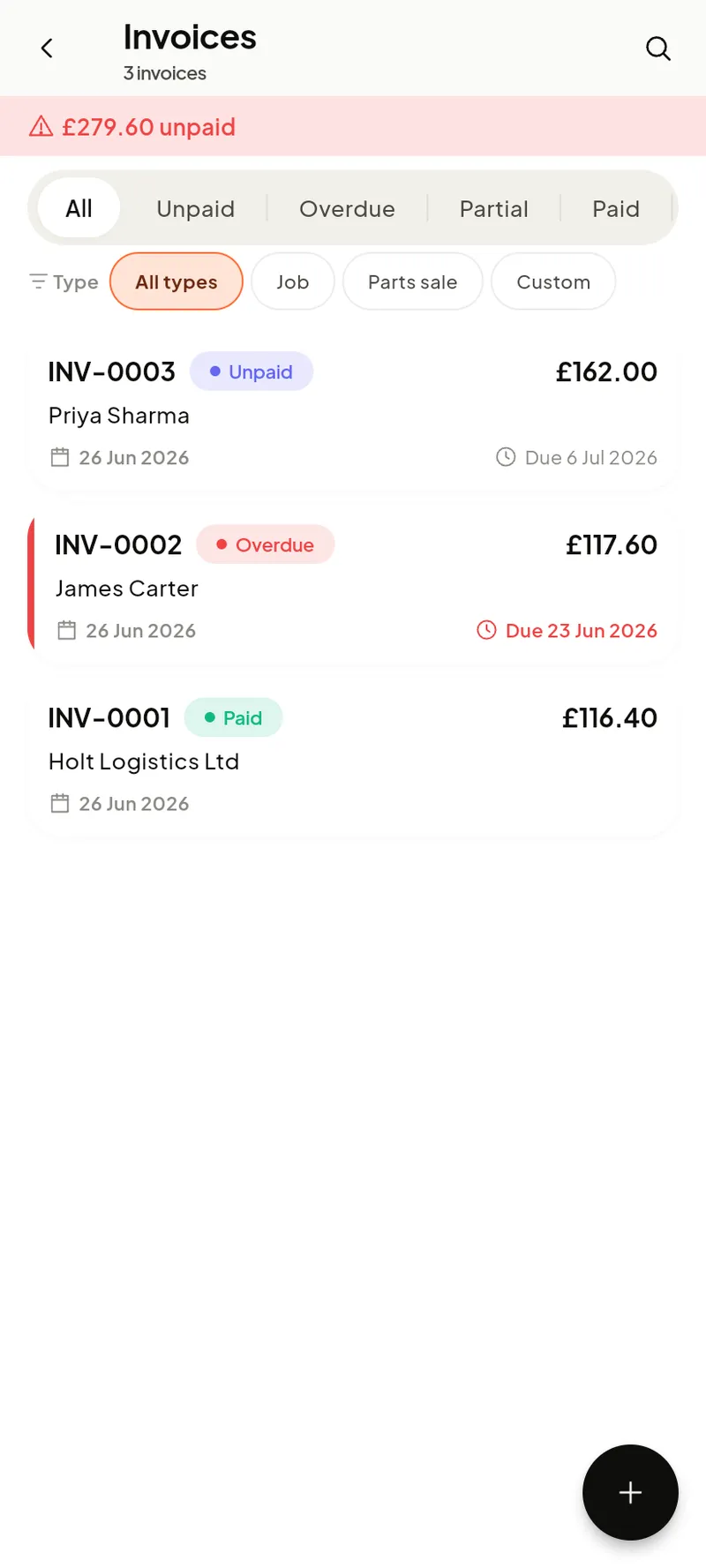
Each row shows the invoice number, customer, total and a status — Unpaid, Partially paid, Paid or Overdue. Invoices come from a job, from an estimate, or stand alone (tap + to bill a quick piece of work). A Trash tab holds deleted invoices for 30 days.
The invoice & recording payment
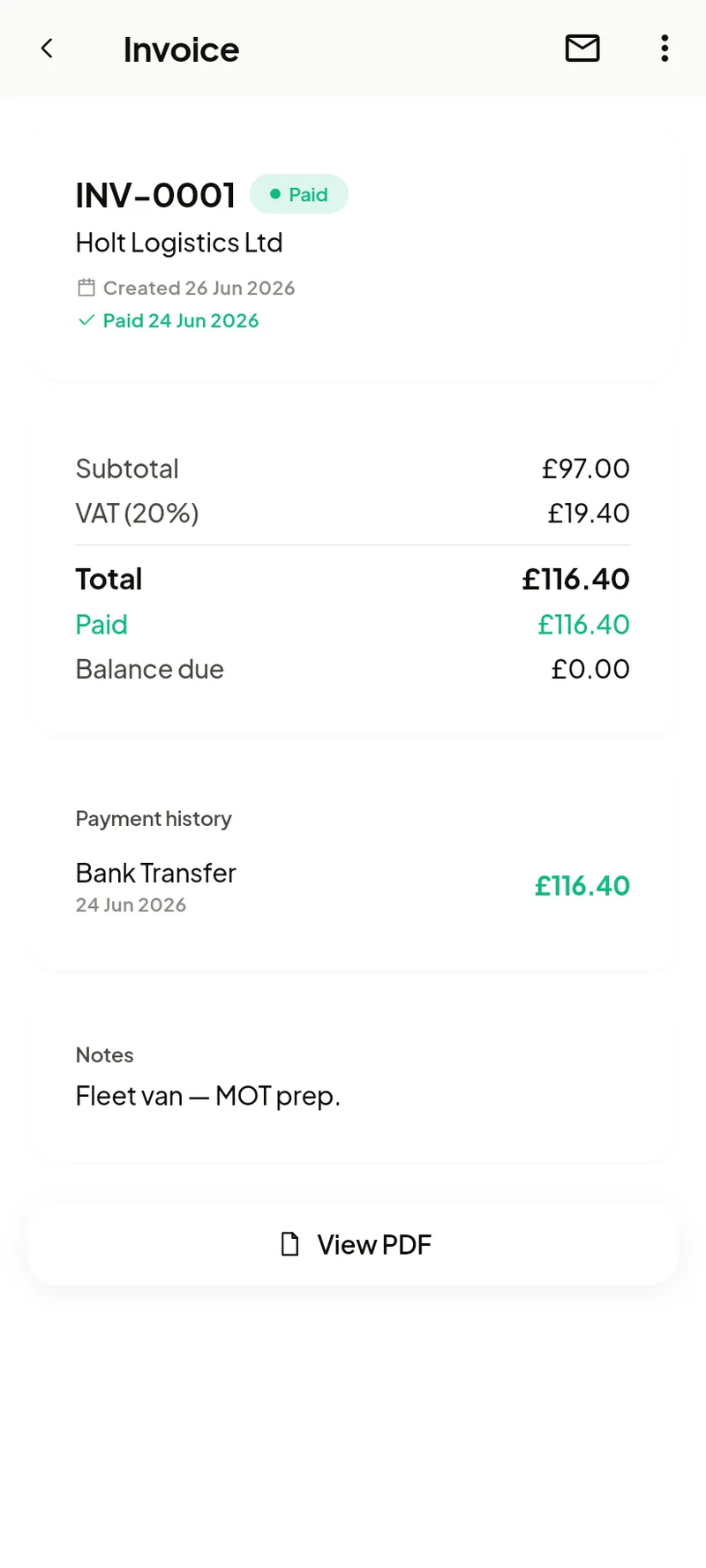
- Totals — Subtotal, Tax, Total, plus Paid and Balance due.
- Record payment— from the menu, enter the amount and method (cash, card, bank transfer or other). Part-payments are fine; the balance updates and the status flips to Paid once it’s settled.
- Payment history — every payment, dated, with its method.
- Share / View PDF — send the branded invoice by email or any app, or open the PDF.
If you’ve connected Xero or QuickBooks (see Settings), invoices and payments sync across automatically.